The panes
A coding agent is a program that runs in a terminal. Many tools put the coding agent inside their own window, and then the coding agent no longer looks or works as you know it.
Real terminals
Each pane of Heidrun Code shows the real terminal of Herdr, the terminal multiplexer that Heidrun Code needs. Claude Code, Codex, and Antigravity look and work exactly as in Herdr: the same colors, the same keys, and the same menus. Heidrun Code wraps nothing and rewrites nothing.
A workspace is one project folder. A workspace has tabs, and a tab has one or more panes.
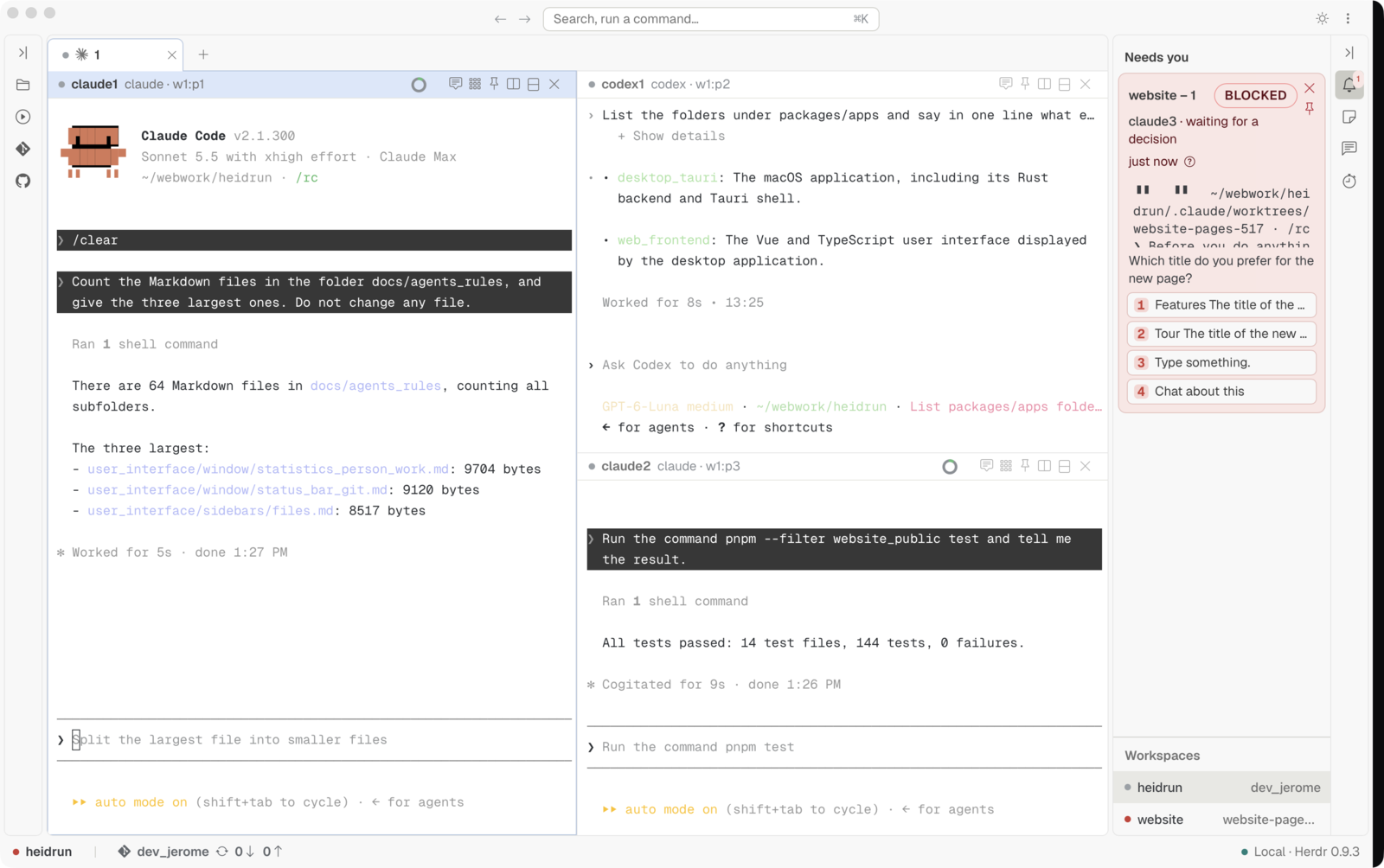
Split a pane
The header of each pane has two split buttons: "Split right" and "Split down".
- A click on a split button starts the default command of a new tab in the new pane, for example a new Claude Code.
- A shift click on a split button starts a plain terminal in the new pane.
Pin a pane
Click the pin button in the header of a pane. The pane goes into the column of pinned panes, at the right edge of the viewport. A pinned pane stays visible when you select another tab or another workspace, so you can watch one coding agent while you work somewhere else. Click the pin button again to unpin the pane.
Drop an image
Drop an image file on a terminal. Heidrun Code pastes the image into the terminal, so the coding agent of the pane receives it, as when you paste an image yourself.
Go back and go forward
Heidrun Code remembers the panes that had the focus, in every workspace and every tab. This list is the pane focus history.
- The Back button and the Forward button, at the top of the window, move through the pane focus history, as in a web browser.
- The keys ⌘[ and ⌘] do the same as the two buttons.
- Press and hold a button to see the list of the panes, then click the pane that you want.
A pane goes into the pane focus history only when the pane keeps the focus for half a second. A pane that you only pass through does not fill the list.
Odin has two ravens that tell him what happens in the nine worlds. You have the Back button and the Forward button.