Use Heidrun Code from a phone
Connect Heidrun Code Mobile to the desktop application to use selected workspace controls from a phone.
Connect a phone
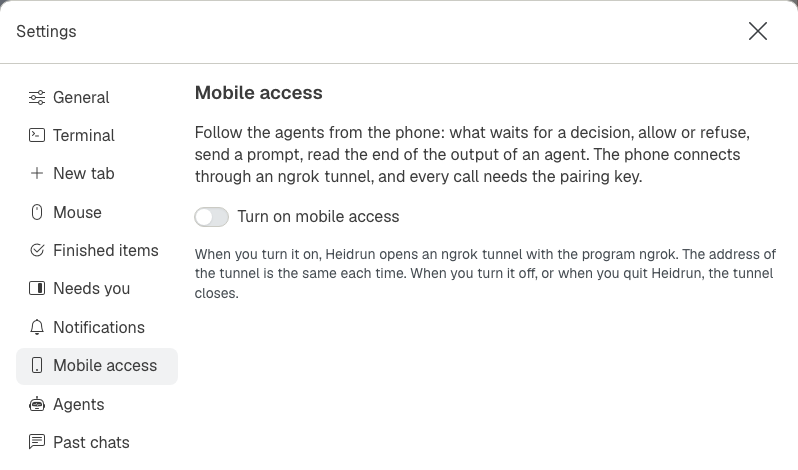
Enable mobile access in Settings and follow the pairing instructions shown there. Enter the pairing key on the phone; the phone then displays the available workspace and pane controls.
Use phone controls
Use the bottom bar to move between the mobile screens. The pane screen provides the terminal, macro, and microphone controls available to the connected session.
Related pages
- Change Heidrun Code settings: find mobile access settings.