Understand the window and status bar
Learn where Heidrun Code places its main controls and what the status bar reports.
Window layout and startup
The main window places workspaces and panes between the sidebars. Heidrun Code remembers supported window state and option selections when it starts again.
Read the status bar
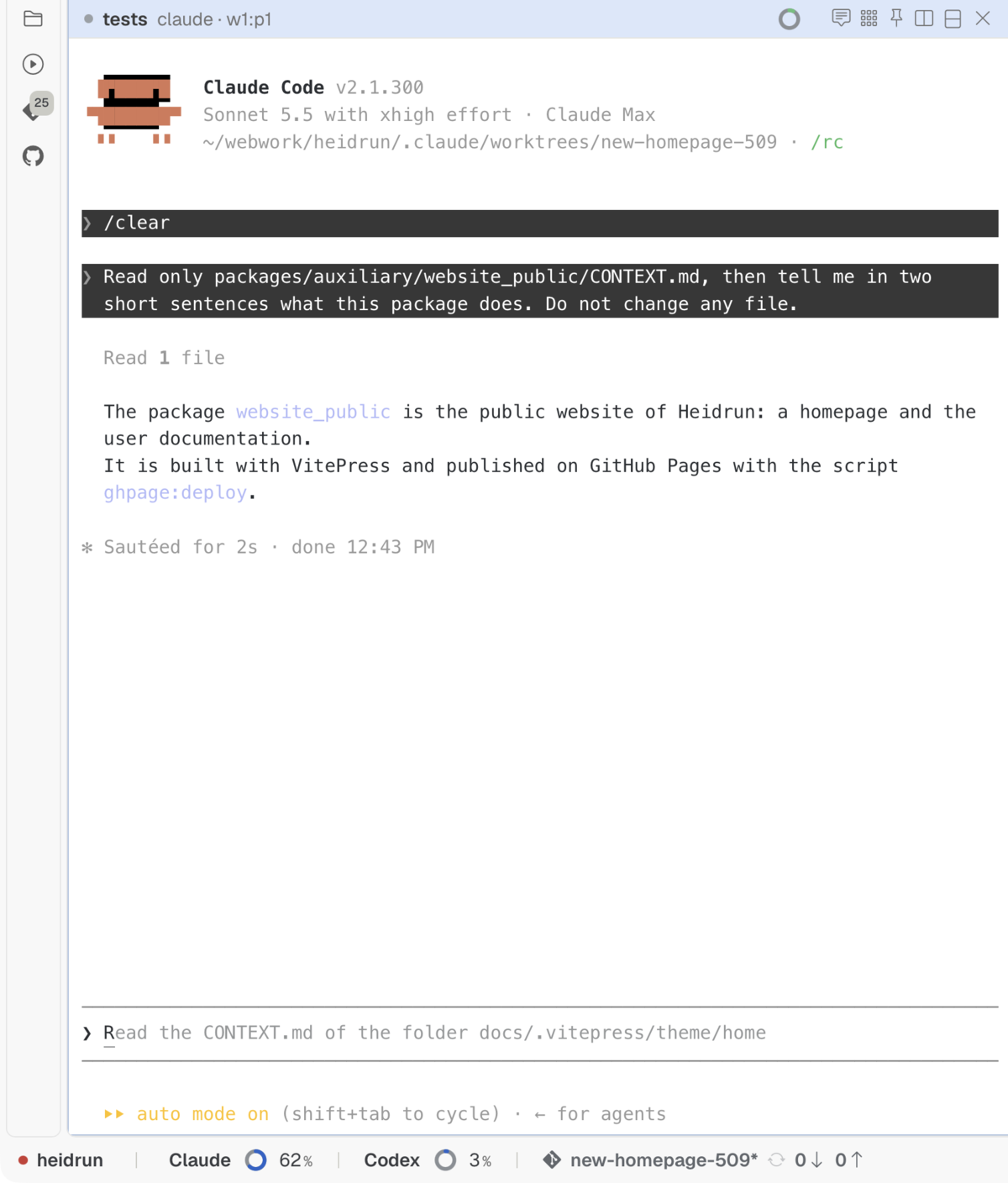
The status bar summarizes workspace and Git information. Select its Git branch section to inspect available branch actions and synchronization information.
Related pages
- Explore activity and work statistics: review longer time ranges.