Heidrun CodeWith AI, every developer is THE GOAT!
Keep your agents working. Know which one needs you.
Free and open source, under the MIT license. For macOS on Apple silicon.
Keep your agents working. Know which one needs you.
Free and open source, under the MIT license. For macOS on Apple silicon.
You start Claude Code in one terminal, Codex in a second one, and three more for good measure. Each coding agent works alone for minutes, then stops to ask you something: a decision, a permission, or a code review.
Each question waits in a different terminal. You switch, you scroll, you search. The coding agents are fast. The slow part is now you.
 The einherjar wait for the feast. Your coding agents wait for you.
Do you want to run pnpm test? 1. Yes 2. No
Working… (2m 14s)
Should the new page go under /guides or under /documentation?
Done. 14 files changed. Ready for your review.
Do you want to make this edit to session.ts? 1. Yes 2. No
Heidrun Code is an application for macOS. It shows every coding agent and every terminal of your Herdr session in one window. You see the work of all your coding agents at the same time, and the ones that need you stand out.
Valhalla has 540 doors, so there is always room for one more terminal.
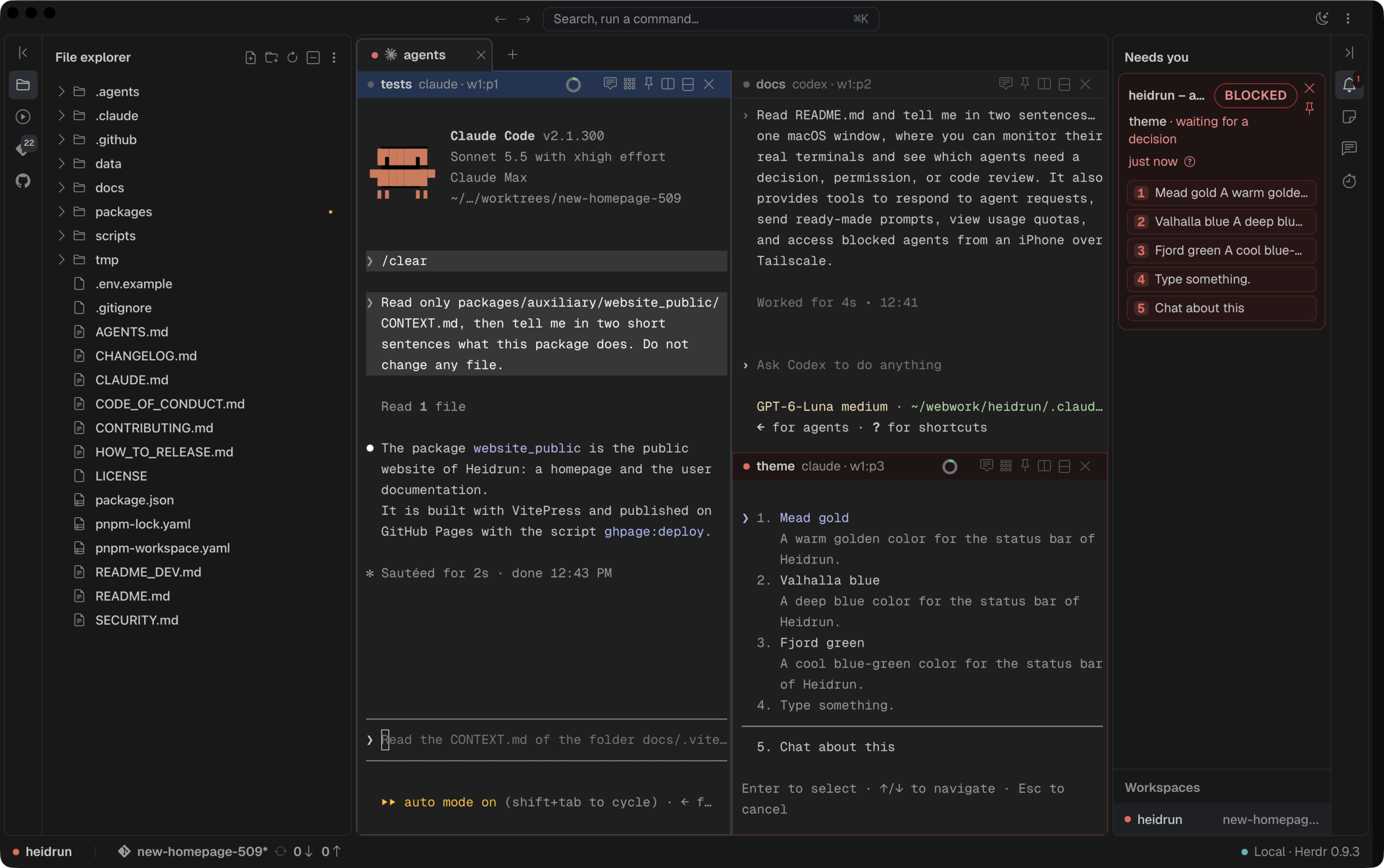
The Needs you sidebar section holds one card for each coding agent that is blocked, that asks a question, or that has finished. The blocked coding agents come first, and their number turns red.
Answer a blocked coding agent from its card, or click the card to go to its pane. The status item in the macOS menu bar shows the same states, even when the window is hidden.
The goat does not search the hall. The hall calls the goat.
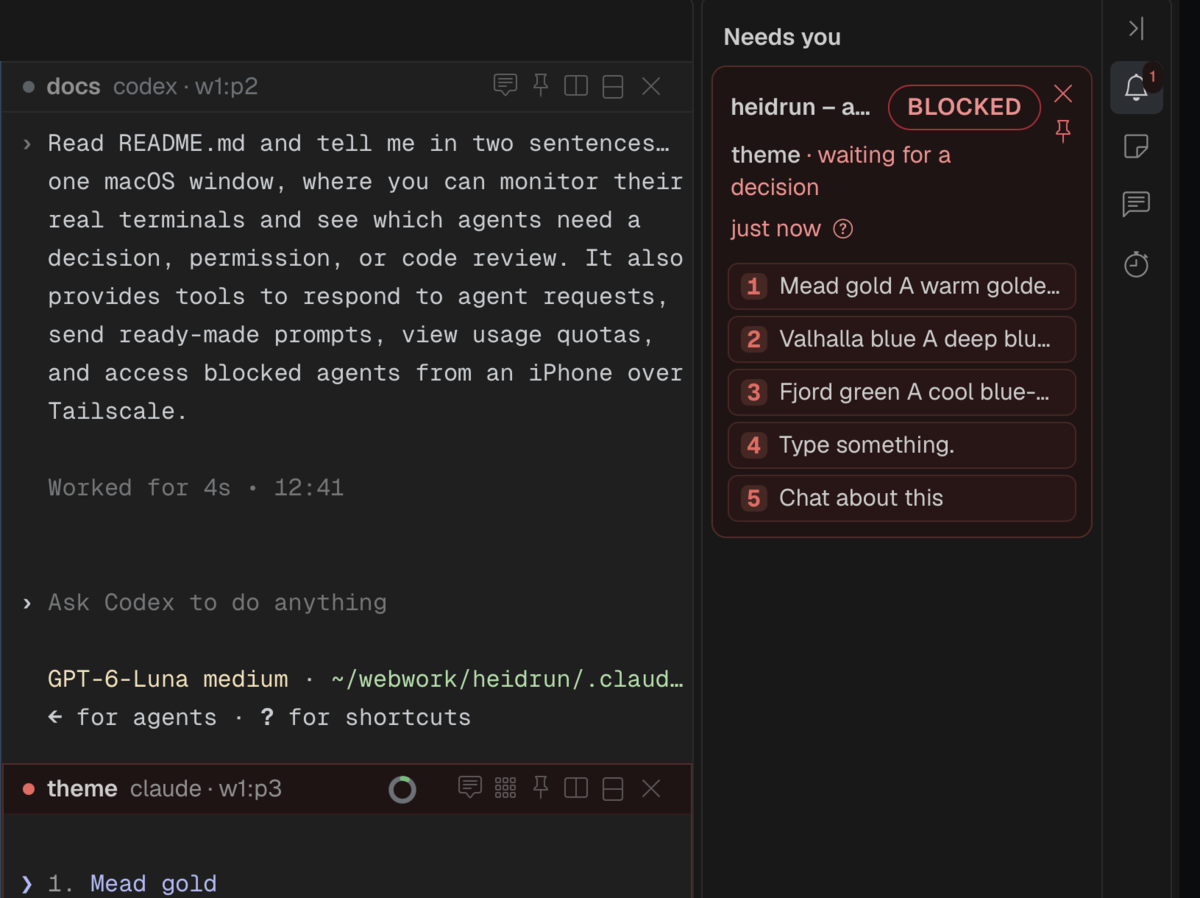
Each pane shows the real Herdr terminal. Claude Code, Codex, and Antigravity look and work exactly as you know them. Nothing is wrapped and nothing is rewritten.
Split a pane to the right or down. Pin a pane, so that it stays visible when you change the tab or the workspace. Drop an image on a terminal to paste it. Go back and forward through the panes that had the focus, as in a web browser.
Real Vikings wore no horns. Real terminals wear no costume.
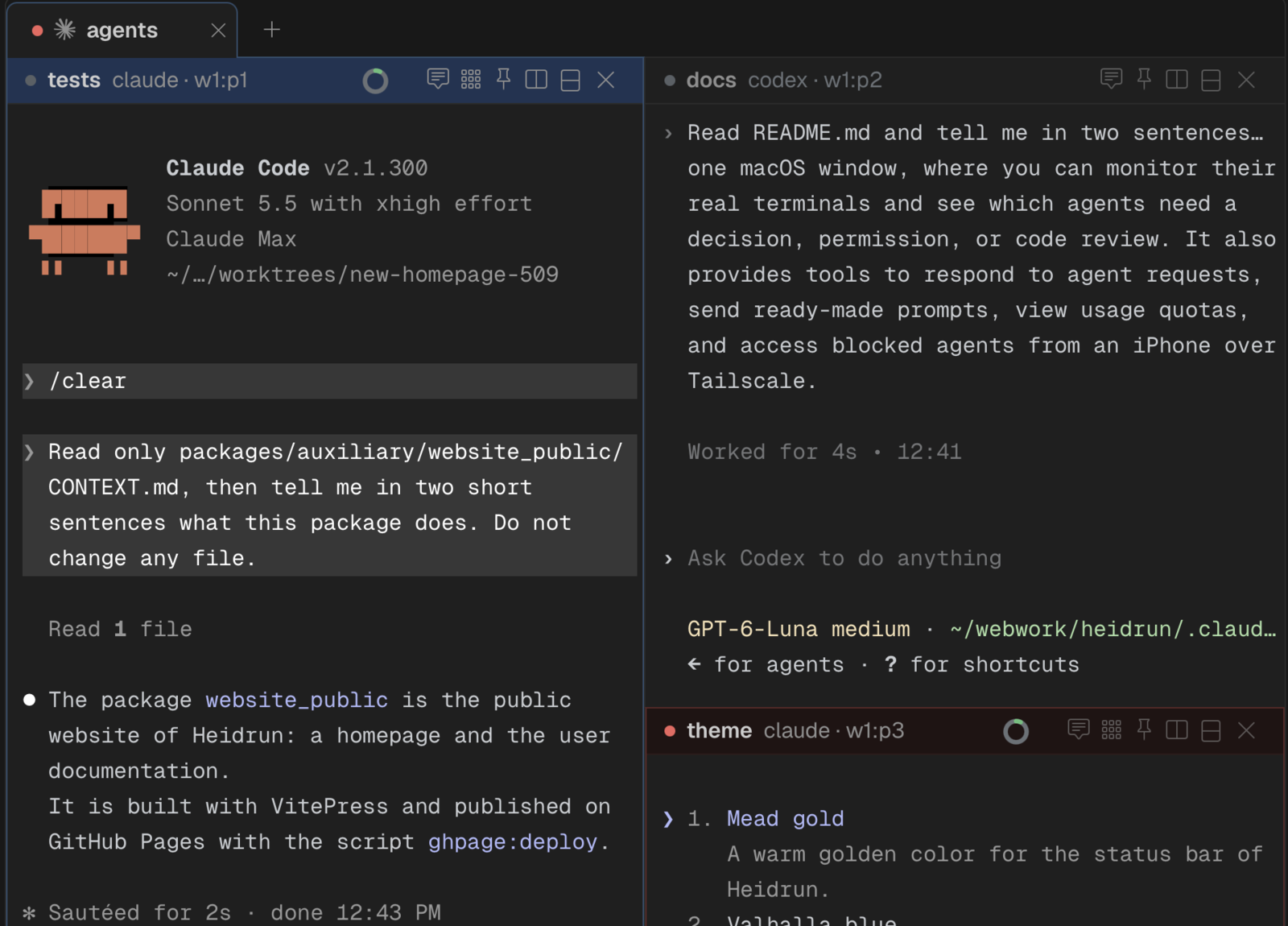
The usage wheel in the header of each pane shows how much of the context window the coding agent has used. It turns orange, then red, before the context window is full.
The status bar shows your Claude quotas, for 5 hours and for the week, and your Codex quotas, with the pace of your use. You know that you will run dry before it happens.
In the myth, the mead never runs out. In real life, the quota does.
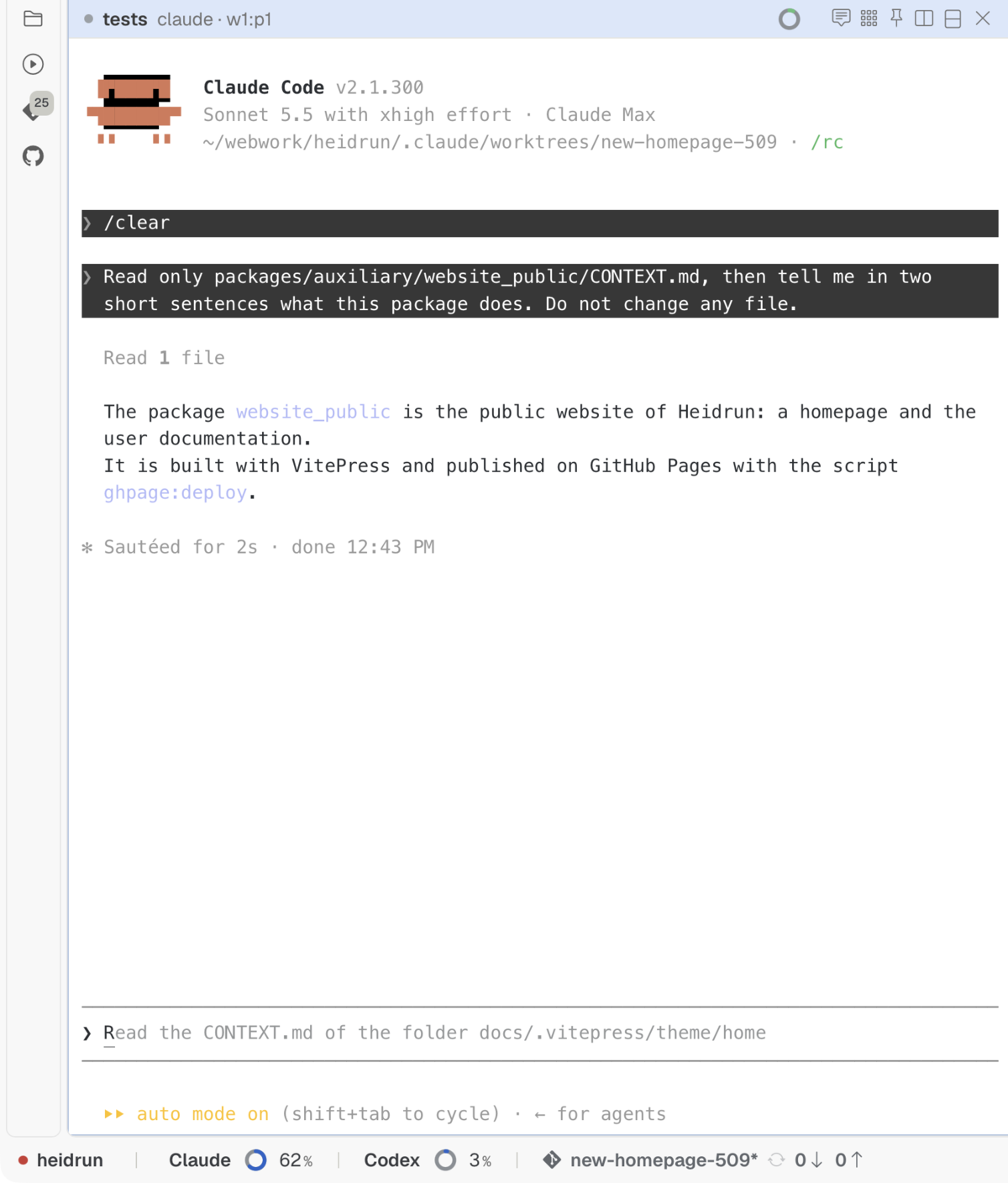
Leave your desk. From your phone, see which coding agent waits, allow or refuse its request, send a prompt, and read the end of its output.
The phone connects through an ngrok tunnel, and every call needs a pairing key. Each phone pairs once, with a QR code.
Go get your coffee. Your coding agents will find you.
Everything that you need around your coding agents, without a second application.
Read where Heidrun Code uses AI, and what it sends →
Even a berserker needs a second thought.
Download the file for macOS on Apple silicon from the latest release, and drag Heidrun Code into the folder Applications. First install Herdr 0.9 or later: Heidrun Code needs it, and does not install it. The program ngrok is optional: only the mobile access uses it.
curl -fsSL https://herdr.dev/install.sh | shYou need Herdr 0.9 or later, Rust stable, Node.js 20 or later, and pnpm.
git clone https://github.com/heidrun-org/heidrun_code.gitcd heidrunpnpm installpnpm devFour commands. A longship needs more oars than that.
Heidrun Code is free and open source, under the MIT license. Read the code, change it, and share your change.
The application is written in Rust with Tauri 2. The window is written in TypeScript with Vue 3. To contribute, read the rules of the repository, then open an issue before you start a change.
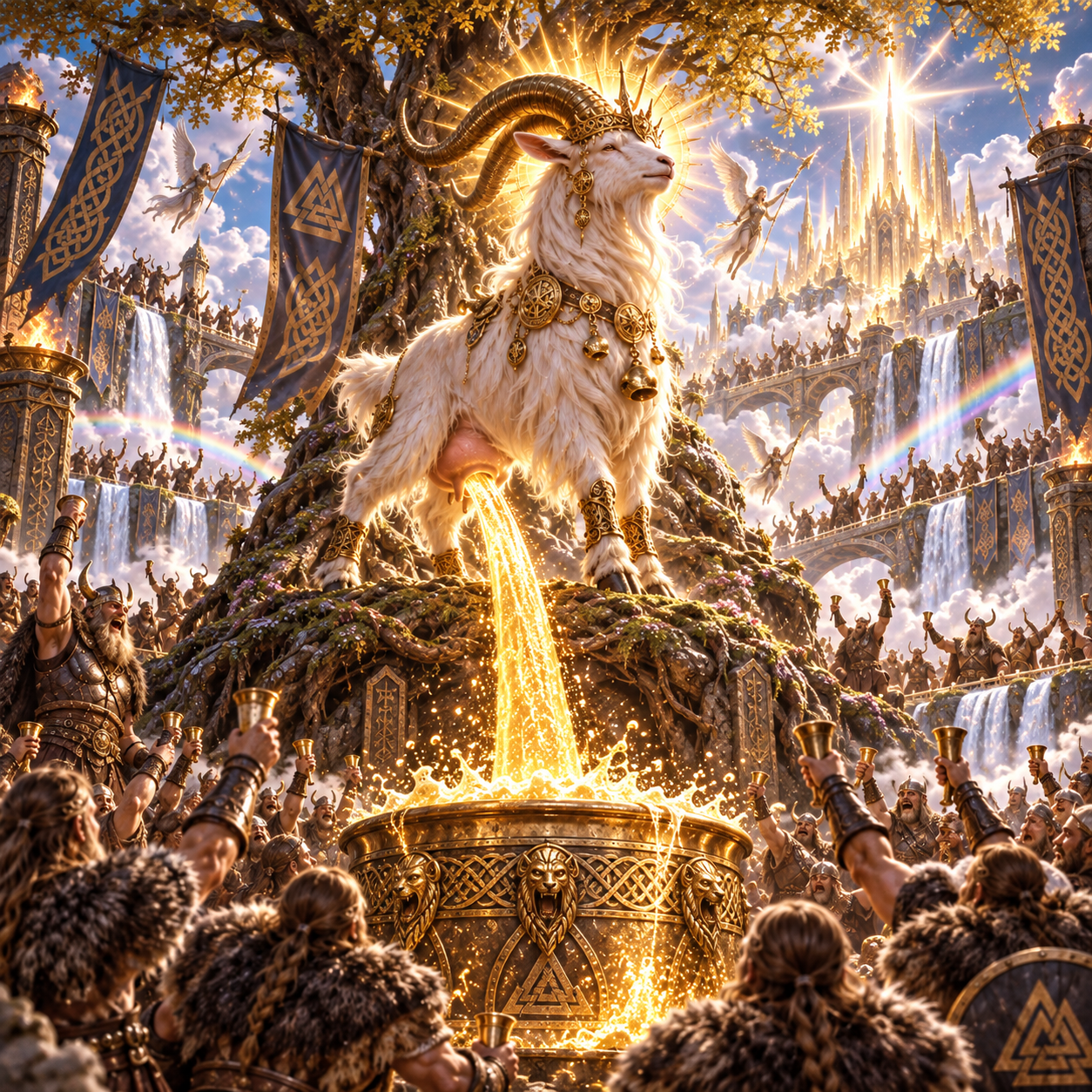
Heiðrún is a goat of the Norse mythology. She stands on top of Valhalla, eats the leaves of the tree Læraðr, and gives mead to all the warriors of the hall, every day, without end. Heidrun Code the application does the same for your coding agents.
Read the whole story, and hear how to say the name
We do not talk about Ragnarök before breakfast.
| In the myth | For you |
|---|---|
| The einherjar, the warriors of Valhalla | Your coding agents |
| Valhalla, the hall of Odin | The Heidrun Code window |
| The mead | Your answers, and your quota of tokens |
| The goat Heiðrún | You: the GOAT, the Greatest Of All Time |
| Ragnarök | A merge conflict |
| “Skål!” | The merge of the pull request |
Your coding agents are ready. The mead is poured.
Say “Skål!” after the merge, not before.