Search code hosting issues and pull requests
Search the open issues and pull requests or merge requests for the selected workspace repository.
Search a list
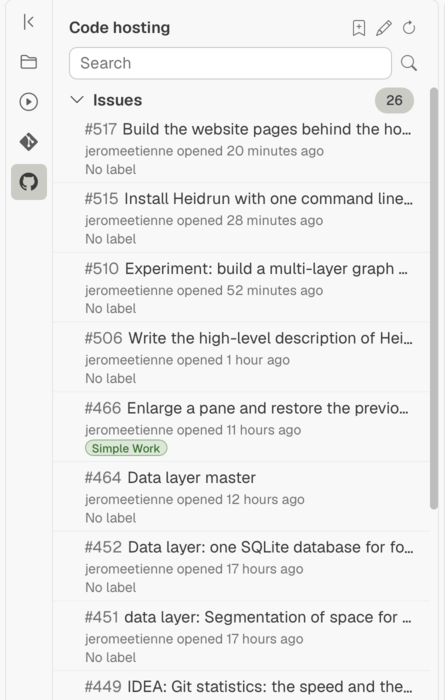
Select Code hosting in the sidebar. Expand Issues or Pull requests (GitHub) or Merge requests (GitLab), then enter a search in that list's search field. The results are open items; select a row to open its details.
Save a search
Run a search and choose Save this search. Give the search a name, choose whether it is for User or Workspace, then select Save. The saved search appears at the chosen level; select it later to reuse the search.
Refresh results
Choose Refresh to request current lists from GitHub or GitLab. If a refresh fails, Heidrun Code may show previously available results with a failure message.
Related pages
- Find files and project information: search within local files.